

Exactly how we check a store
This page is for your developer, and for anyone checking our work, such as a lawyer or an auditor. It says what our checks do, what they don't, and how to see for yourself.
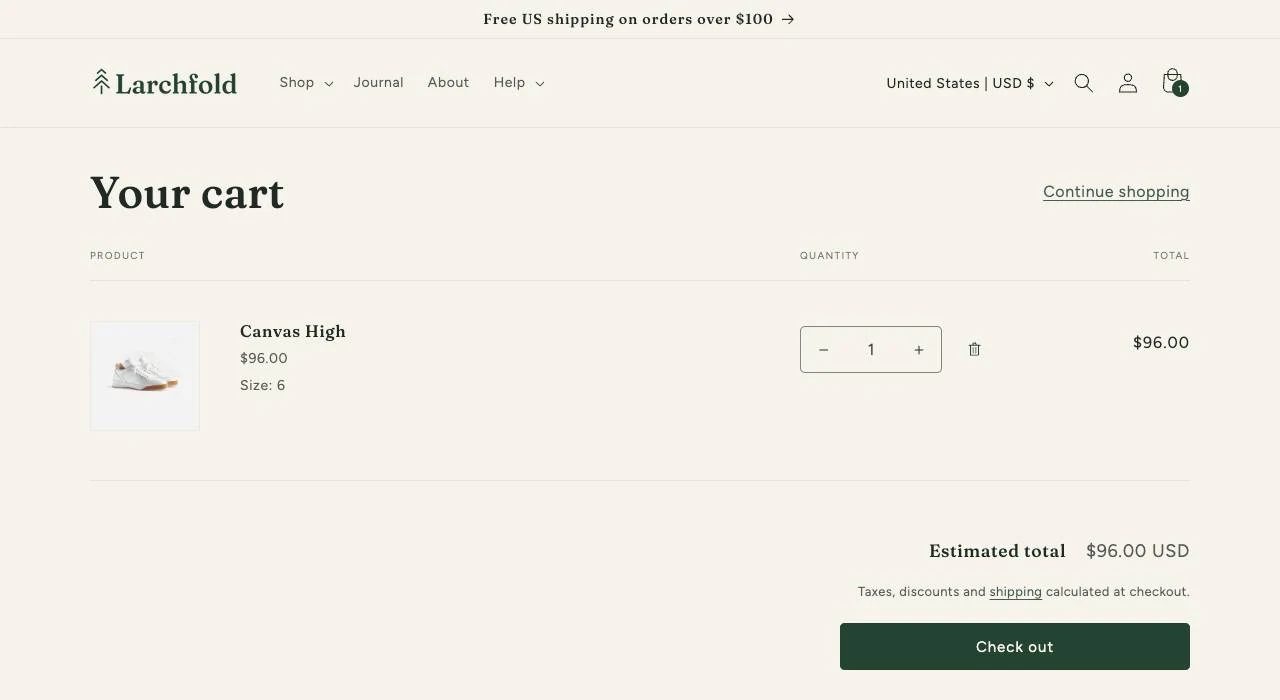
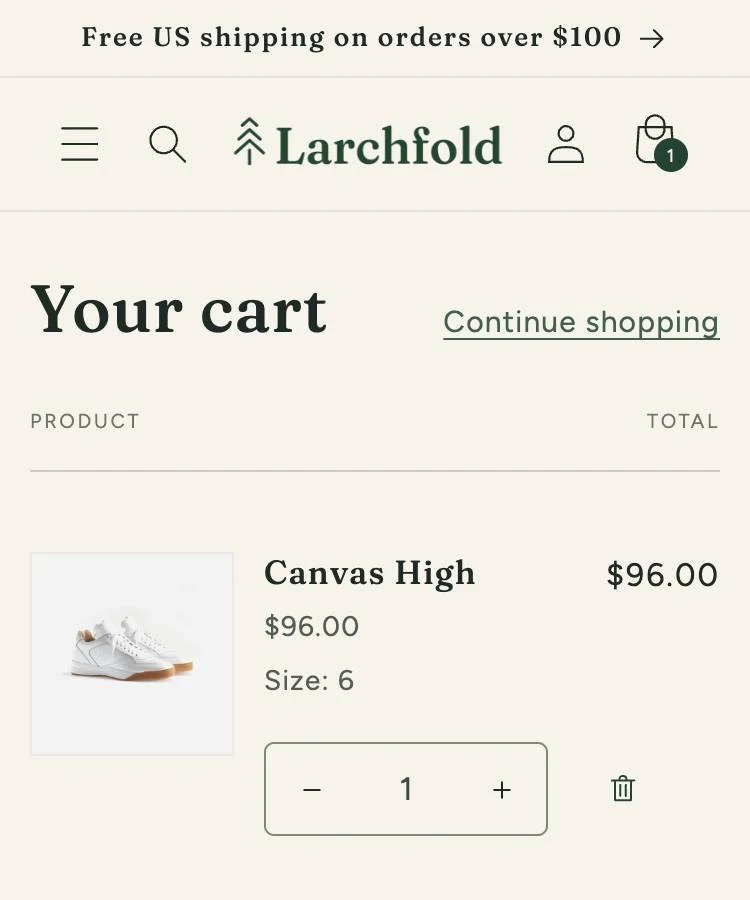
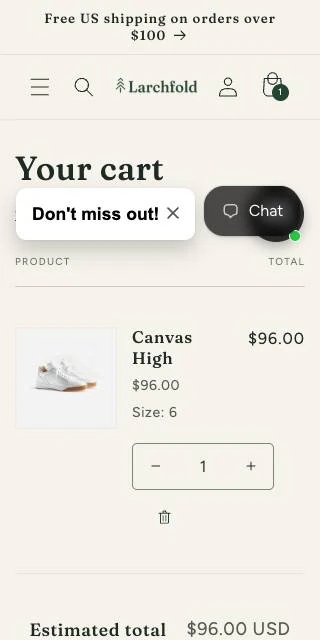
- Which pages Every day, the pages a shopper buys through, then the rest, a few each day.
- How we open a page In a real browser, at three widths, as shoppers do.
- The automated checks A checker on every page, plus checks of our own.
- The keyboard test Every page, with only a keyboard.
- The screen-reader test On Resolve and Defend, every page, with screen readers.
- Every criterion All 55, and how we check each one.
- Your record Entries nobody can quietly change, dated by an outside service, and yours to check.
Which pages we check, and how often
A check only sees the pages it opens, so here's exactly which ones, and when.
-
Every day, the way to buy
On Shopify: your homepage, a search, a collection, a product page, adding it to the cart, the cart and checkout's first page. Elsewhere: your homepage, a search, a collection and a product page.
-
Every week, a wider set
Your sign-in pages, and a page that doesn't exist, so we see your not-found page. Then pages of every other kind your store has, products of every sort among them.
-
Every day, a slice of every page
Each day we check some of your store's pages, starting with the ones we've gone longest without seeing. That way we check every page within 30 days on Engage, 14 on Resolve and seven on Defend.
-
Right away, when your store changes
The weekly set again, as soon as you publish a new theme or an app shows up for the first time.
-
Once, at the start
Every page of your store, at every width. That's your baseline, the starting point we compare every later check with.
-
Your store's emails
Your store sends the newest message of each kind to an inbox we set up. We check each one once, as a mail program shows it, at all three widths.
-
Before we first get in touch
We open only public pages from your sitemap, the list of pages you publish. We go only where your robots.txt, your rules for automated visitors, allows it. We never add to a cart, sign in or buy.
We open each page the way your shoppers do
A check is only worth something if it opens the page your shoppers actually get, so we get as close to that as we can.
- We open each page in a real, up-to-date browser. It's the same kind your shoppers use.
- We look at three widths. 1,280 pixels for a desktop, 375 for a phone, and 320, which is a 1,280-pixel window at 400% zoom.
- We scroll to the end and let the page settle. Then we wait for fonts, pictures and anything still loading to finish before we judge it.
- We handle pop-ups and cookie banners the way a shopper does. We check each pop-up on its own, then close it. We accept cookie banners, so apps that wait for consent load and get checked too.
- Your store's bot check decides whether we get in. Our software never solves a CAPTCHA, the puzzle a bot check sets. If a page stays behind one, we mark it blocked and don't judge it.
Want to know what our visits do on your storefront, or how to leave them out of your analytics? It's all on Access and security.
What our automated checks look for
Two kinds. A checker reads the code of every page and email we check, at each width. Our own checks look where it can't.
The checker on every page
A checker tests each page's code against WCAG. We run all its standard rules, plus one it leaves off unless asked. That's target size, WCAG 2.2's criterion 2.5.8: is a button or link big enough to tap? It also gives best-practice advice beyond WCAG. We keep that apart and never count it as a problem.
Sometimes a check isn't sure about an element. That result never starts a new problem, and never closes one. A problem that's already open stays open, marked undecided, till a check passes it or the element's gone. If one we'd found fixed comes back undecided, it goes back to open, marked undecided.
We tell you that came from our check, not a change on your store, and send no alert. Your status page shows the rule as needing a person's review.
Checks we built ourselves
They look at your product data, your store's emails and two things on your pages: image descriptions and sideways scrolling. They name the rule each problem fails.
Your pages
- Image descriptions on the page
- A product image shown with no alt text, the words a screen reader says in its place, or with alt text unlike the stored one. 1.1.1 Non-text Content
- Sideways scrolling
- A page wider than the screen at 320 pixels. What runs past the edge is a problem. WCAG lets tables, pictures, maps and videos scroll, so those stay undecided. 1.4.10 Reflow
Your product data
- Missing image descriptions
- A product image with no alt text at all. 1.1.1 Non-text Content
- Unhelpful image descriptions
- Alt text that's a file name, a code or a placeholder word is a problem. Just the product's title, or the same on every image? We mark that undecided. 1.1.1 Non-text Content
- Images in product descriptions
- An image inside a product description with no alt text. 1.1.1 Non-text Content
- Video transcripts
- A video with only sound, or only pictures, needs a transcript or a description. Our check can't tell which those are, so every product video gets marked undecided. 1.2.1 Audio-only and Video-only (Prerecorded)
- Video caption accuracy
- Are the captions right, and in time? Our check can't judge, so every product video is marked undecided. 1.2.2 Captions (Prerecorded)
- Tables and headings
- A table of two rows or more in a product description needs header cells, or it's a problem. Skipped heading levels, or a list typed by hand, stay undecided. 1.3.1 Info and Relationships
- Links with no words
- A link in a product description with no words is a problem. A vague one, like "click here" or "read more", stays undecided, since nearby words may explain it. 2.4.4 Link Purpose (In Context)
- Vague links, the stricter check
- An empty or vague link in a description, judged at Level AAA, the level above AA. 2.4.9 Link Purpose (Link Only)
- Long product descriptions
- A description of 1,500 characters or more with no headings, judged at Level AAA. 2.4.10 Section Headings
- Embedded frames
- A frame embedded in a product description with no title. 4.1.2 Name, Role, Value
Your store's emails
- Layout tables
- A layout table not marked as layout, so a screen reader reads it as data, row by row. 1.3.1 Info and Relationships
- Words in pictures
- An email with pictures and under 60 characters of text. Its words are probably in the pictures, but we can't be sure, so it's marked undecided. 1.4.5 Images of Text
- Empty subject
- An email with no subject, which every mail program shows as its title. 2.4.2 Page Titled
We try your store with only a keyboard
Automated checks can't tell whether a shopper can get through with only a keyboard, so our software goes through the store with one.
- What it does
- It presses Tab through every page of your store, recording each stop and whether you can see focus. Focus is the outline that shows where you are.
- Menus, dialogs and options
- It opens each header menu with Enter, closes it with Escape, and checks each dialog takes focus and gives it back. It picks sizes and colors by keyboard, and says when only a mouse could.
- On video
- We record the whole test, with a narrated review of each moment worth a look.
- Who judges both tests
- Our software runs this test and the screen-reader test below. A person checks every mark it makes and signs it off before you see it.
- When
- As soon as you join, then every month, and whenever your live theme changes. Same on every plan.

We run a screen reader through your store
Automated checks can't hear what a screen reader tells a shopper. Our software tests with Orca and NVDA on Resolve, and JAWS too on Defend or as Resolve's add-on. It runs at a computer's width, 1,280 pixels, not a phone's.
- On each page
- Our software asks for the page's title, then has the screen reader read the page through. Next it jumps by headings, landmarks, fields and pictures, and presses Tab to every stop. It does this on every page of your store, including the first page of checkout.
- Menus
- It opens each menu in the header with Enter and closes it with Escape. It notes two things: does the screen reader say the menu opened, and does focus land back on its button?
- Some things it flags
- Titles missing or repeated. No headings, or skipped levels. No main region. A link, button, field or picture with no name. A menu that won't open, close or say so. Focus dropping to the page. Silence after a press.
- On video
- The whole test is on video, silent, with every word the screen reader said lined up to the moment it said it.
- When
- On every plan, the keyboard test runs on every page as soon as you join, then every month, and whenever your live theme changes. The screen-reader test runs on the same schedule, on Resolve and Defend.
Want to see it on our own site? Read what it found in our accessibility statement.
Every WCAG criterion we cover
We cover every WCAG 2.2 criterion at Level A and AA, the first two of its three levels: 55 in all. The groups below count them by how we check, and a criterion checked two ways counts in both.
- WCAG 2.2, The Web Content Accessibility Guidelines from W3C, at Level A and AA.
- EN 301 549, The European standard, versions 3.2.1 and 4.1.1. Its clauses for the web are built on WCAG's criteria.
- Revised Section 508 Standards, From the US Access Board. They include WCAG 2.0 at Level A and AA.
Our record links each of their clauses for websites to the WCAG criteria behind it.
Checked automatically: 23 of 55
-
1.1.1 Non-text Content A
Images and other pictures have a text alternative, or are marked as decoration
Missing image descriptions; Unhelpful image descriptions; Images in product descriptions; Image descriptions on the page
-
1.2.1 Audio-only and Video-only (Prerecorded) A
Video transcripts
-
1.2.2 Captions (Prerecorded) A
Videos have captions
Video caption accuracy
-
1.3.1 Info and Relationships A
Lists are built as lists, and table headers tied to their cells
Tables and headings; Layout tables
-
1.3.5 Identify Input Purpose AA
Where a field says what it's for, browsers can understand it and fill it in
-
1.4.1 Use of Color A
Links in a run of text stand out by more than color
-
1.4.2 Audio Control A
Sound that plays by itself for over three seconds can be stopped or muted
-
1.4.3 Contrast (Minimum) AA
Text has at least WCAG's minimum contrast with its background
-
1.4.4 Resize Text AA
The page doesn't stop you zooming in
-
1.4.5 Images of Text AA
Words in pictures
-
1.4.10 Reflow AA
Sideways scrolling
-
1.4.12 Text Spacing AA
A reader's own settings can still change the page's text spacing
-
2.1.1 Keyboard A
Scrolling areas, frames with controls and image maps all work by keyboard
-
2.2.1 Timing Adjustable A
The page doesn't reload or move on by itself on a timer
-
2.2.2 Pause, Stop, Hide A
No blinking or scrolling text from the old blink and marquee tags
-
2.4.1 Bypass Blocks A
A way to skip past the header and menus to the content
-
2.4.2 Page Titled A
Each page has a title
Empty subject
-
2.4.4 Link Purpose (In Context) A
Links and image map areas have words
Links with no words
-
2.5.8 Target Size (Minimum) AA
Buttons and links at least 24 pixels across, or with room around them
-
3.1.1 Language of Page A
Each page says what language it's in
-
3.1.2 Language of Parts AA
A part set to another language uses a valid language code
-
3.3.2 Labels or Instructions A
Form fields, drop-down lists and form buttons have labels
-
4.1.2 Name, Role, Value A
Buttons, links, fields and frames have names, and custom controls say what they are
Embedded frames
Judged in the keyboard test: 6
Needing a person's test: 28
- 1.2.3 Audio Description or Media Alternative (Prerecorded) A
- 1.2.4 Captions (Live) AA
- 1.2.5 Audio Description (Prerecorded) AA
- 1.3.2 Meaningful Sequence A
- 1.3.3 Sensory Characteristics A
- 1.3.4 Orientation AA
- 1.4.11 Non-text Contrast AA
- 1.4.13 Content on Hover or Focus AA
- 2.1.4 Character Key Shortcuts A
- 2.3.1 Three Flashes or Below Threshold A
- 2.4.5 Multiple Ways AA
- 2.4.6 Headings and Labels AA
- 2.5.1 Pointer Gestures A
- 2.5.2 Pointer Cancellation A
- 2.5.3 Label in Name A
- 2.5.4 Motion Actuation A
- 2.5.7 Dragging Movements AA
- 3.2.1 On Focus A
- 3.2.2 On Input A
- 3.2.3 Consistent Navigation AA
- 3.2.4 Consistent Identification AA
- 3.2.6 Consistent Help A
- 3.3.1 Error Identification A
- 3.3.3 Error Suggestion AA
- 3.3.4 Error Prevention (Legal, Financial, Data) AA
- 3.3.7 Redundant Entry A
- 3.3.8 Accessible Authentication (Minimum) AA
- 4.1.3 Status Messages AA
On your status page, a criterion no check has run on shows as not tested, never as passing.
How a result becomes a problem we report
-
One problem
The same check, on the same element, on the same kind of page is one problem. Seen at three widths, it's still one.
-
Whose code it is
We tell you whether a problem's in your theme's code, an app's, or your own words, such as a product description. When we can't tell, we leave it unnamed rather than guess.
-
Compared with the last
We compare each check with your record: every problem is new, still open, fixed or back. It's fixed once every page it was on passes again. If a person here finds our check was wrong, not your store, it comes off your status page and monthly report. We tell you how many. It's back if it returns, or your store changes and our checks still find it.
-
A check we've just added
If a check we've just added finds a problem, we tell you it was probably there all along, not that your store changed.
-
In what order
Your monthly report lists the way to buy first, your pages before your emails, then the kinds with the most problems.
-
Who did each step
Every entry says who took that step: a person, our scheduled checks, or our software. A person reviews everything before it reaches you.
Your record, and how to check it without us
A record's only worth something if you can check it without taking our word for it.
-
The pictures
We take a picture of each whole page at each width, and close-ups of what failed. Before we keep the pictures, we blur any shopper's name, email address or phone number in them. We never draw on a kept picture. Your evidence sheet lays the outlines over it.
-
Chained, so changes show
Each entry in your record has a fingerprint, a code worked out from the entry itself. Change the entry and its fingerprint changes. Each entry also carries the fingerprint of the one before it. So no entry can be changed or deleted without it showing.
-
Dated by an outside service
After each run of our checks, an outside service signs our newest fingerprint with the time. That shows your record, up to that entry, existed at that moment just as you see it now. The service sees only the fingerprint, never your entries.
-
Checked without us
Your copy is one file, with a short guide to checking it using openssl, a standard tool, and a small Python script. You'll have it within 10 business days of asking.
See the whole sample record from our test store
We keep the record, the fixes, your approvals, the documents we issue and our keyboard tests for good, with the pictures inside them. Other pictures, page source, check results, product data, sitemaps and your store's emails are deleted 24 months after your agreement ends. Access and security says how we handle shoppers' details, and how long we keep each thing.
Remediation record, Our store's record, October 10, 2026. Times are in UTC, the world's standard clock.
Fix: the cart's small headings
-
Entry 1922, October 10, 11:53:00
Problem no longer found: the last of six this fix closed
By our software
- Fingerprint before
f008 e4a3 d635…- Fingerprint
0514 0bd5 cedd…
-
Entry 1923, October 10, 11:53:00
Check compared with the last
By our software
- Fingerprint before
0514 0bd5 cedd…- Fingerprint
cf53 0f6b fe83…
-
Entry 1924, October 10, 11:53:00
Dated by an outside service
By our software
Each entry carries the fingerprint of the one before, so this date covers entry 1923 and every one before it. Here's what was dated
cf53 0f6b fe83…- Fingerprint before
cf53 0f6b fe83…- Fingerprint
93df adfe 390b…
What we don't check yet
Automated checks find only some problems. That's why there's a keyboard test, and why some criteria need a person.
- Checks at 200% zoom and with wider text spacing
- Not yet. Meanwhile, we check every page at 320 pixels, which is how a desktop window looks at 400% zoom.
- A person's test of each criterion no check covers
- It's not in the record yet. Until then, each one shows as not tested.
- A person settling what a check couldn't decide
- We don't do this yet. For now, the problem stays open, marked undecided.
See what our checks find on your store
On the call, we'll show you what our checks found on your store's public pages.